

A user must register his or her company on the eSafeT online application before logging in. See Register to get help on registering or click this link to register online.
To log into the eSafeT Construction Safety Documentation Generation application, click on the Login link on the eSafeT Home Page or click this link
The user is redirected to the Log In page.
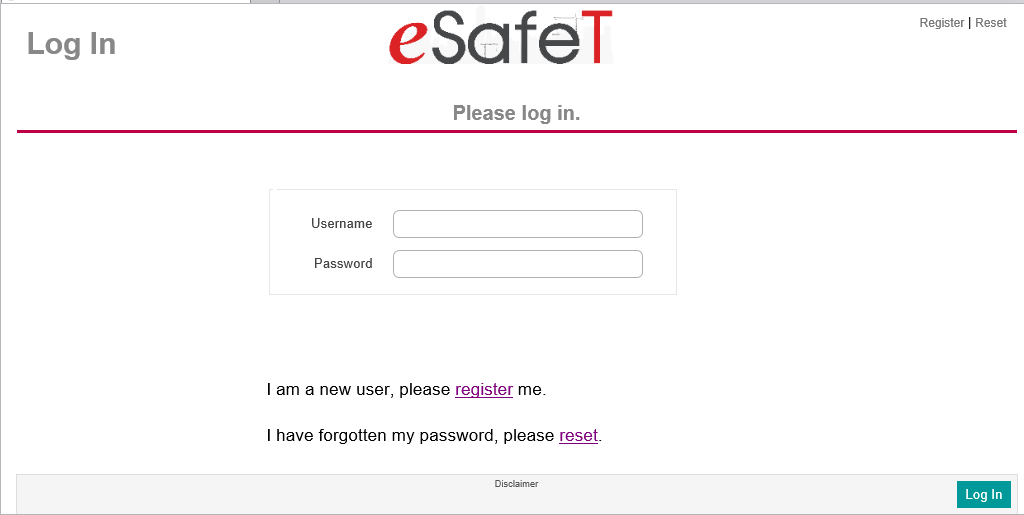
To log in, simply complete the Username and Password fields. The username is also the email of the user and is not case sensitive. Passwords on the other hand are case sensitive. Hit the "Return" key or click the Log In button at the bottom right.
In the case of a forgotten password click on the I have forgotten my password, please reset link below the Password field or the Reset link at the top right.
If the company of the user has not been registered yet, click on the I am a new user, please register me link blow the Password field or the Register link at the top right. See Register to get help on registering or click this link to register online.
If the user company has been registered by another user and the current user has not been registered as a user, get the original user to add the current user as a User. See Add a new User